Getting inlet ports for VST automation parameters that are assigned to a UI element is easy - just e.g. turning the corresponding knob will make the port appear, so it can be connected to a modulator etc.
Some plugins have automation parameters that are not linked to UI elements though. E.g. Alchemy offers parameters like poly pitch/modulation etc. per voice - which allows to use higher resolution than e.g. automation via MIDI pitch bend events/CCs would.
Long story short - is there a way how I can show a list of all available VST parameters of a plugin and add inlets from that list without having to turn a knob (of there is none)?

automate vst parameter that is not linked to a ui element
hi there,
by pressing the small + in front of the vst title, you will get a list of all available( a least to usine) parameters.
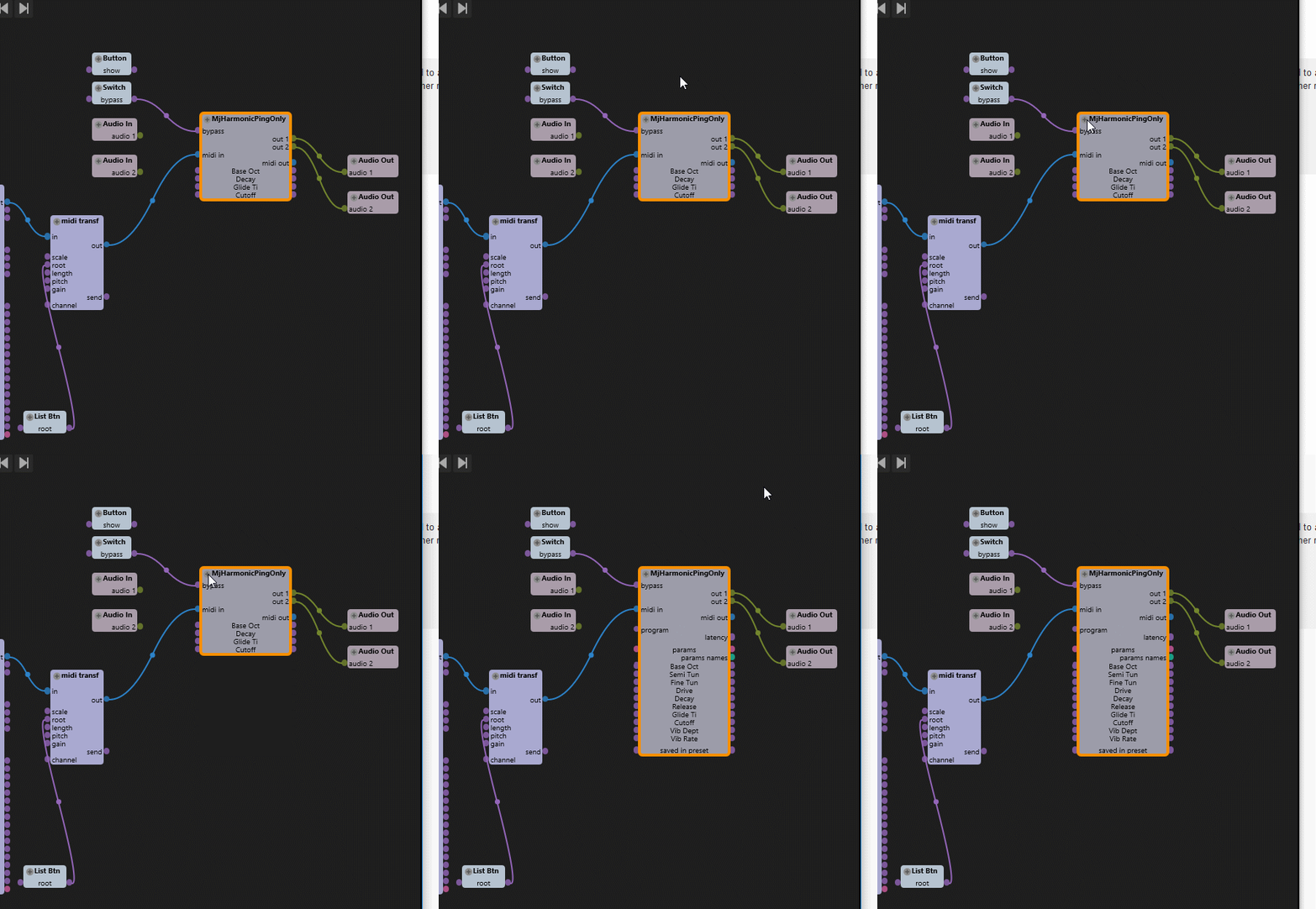
but it really depends on the vst. some won't display any parameter, even tough they got a full working ui..f.i. this commercial one
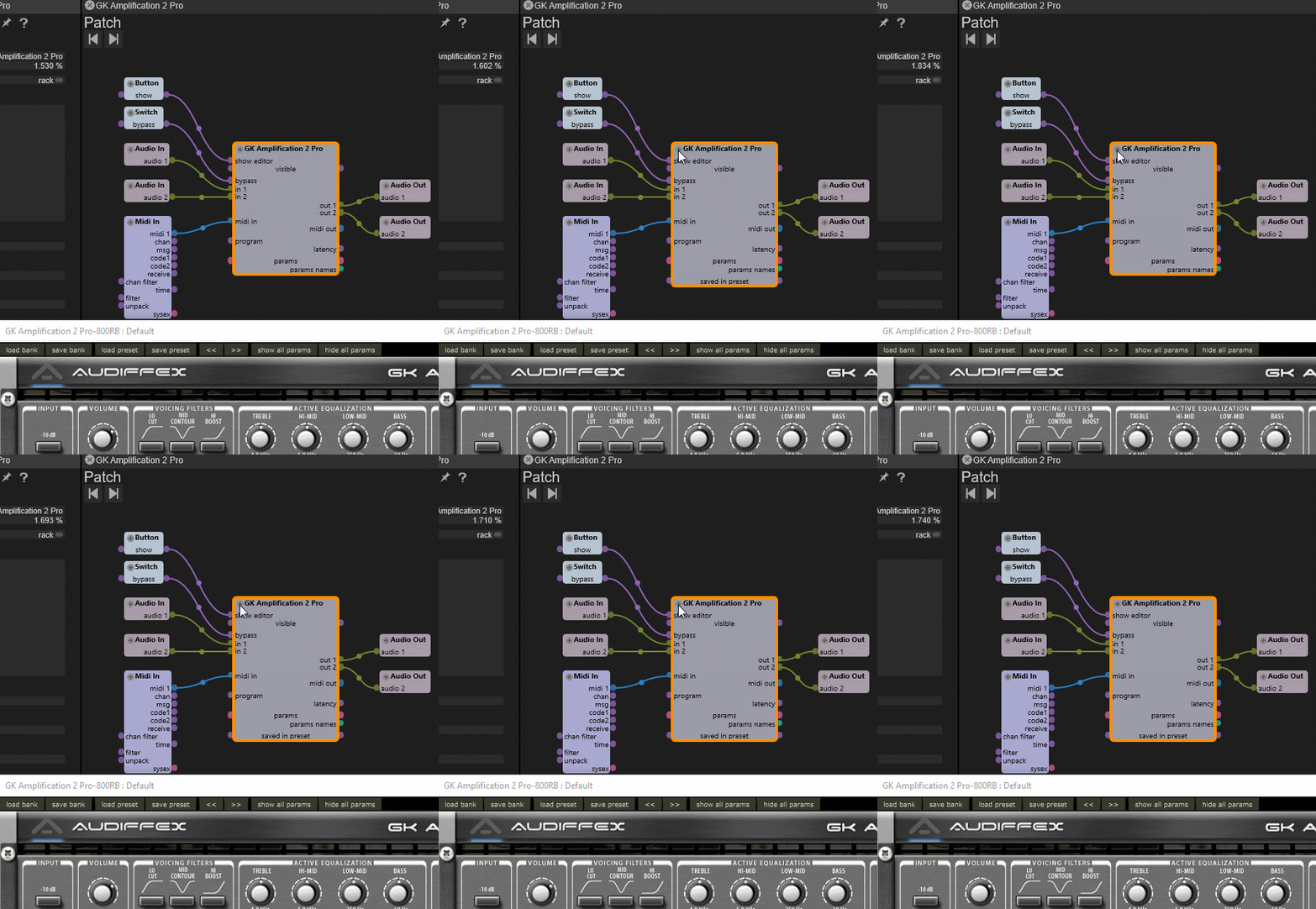
by pressing the small + in front of the vst title, you will get a list of all available( a least to usine) parameters.
but it really depends on the vst. some won't display any parameter, even tough they got a full working ui..f.i. this commercial one

And for invisible parameters you can try also to use an array from the plugin (choose faders) and if you're lucky (cause depends of the plugins developer choice) you maybe can access it.
Who is online
Users browsing this forum: Google [Bot] and 72 guests