Posted: 27 Jan 2017, 23:06
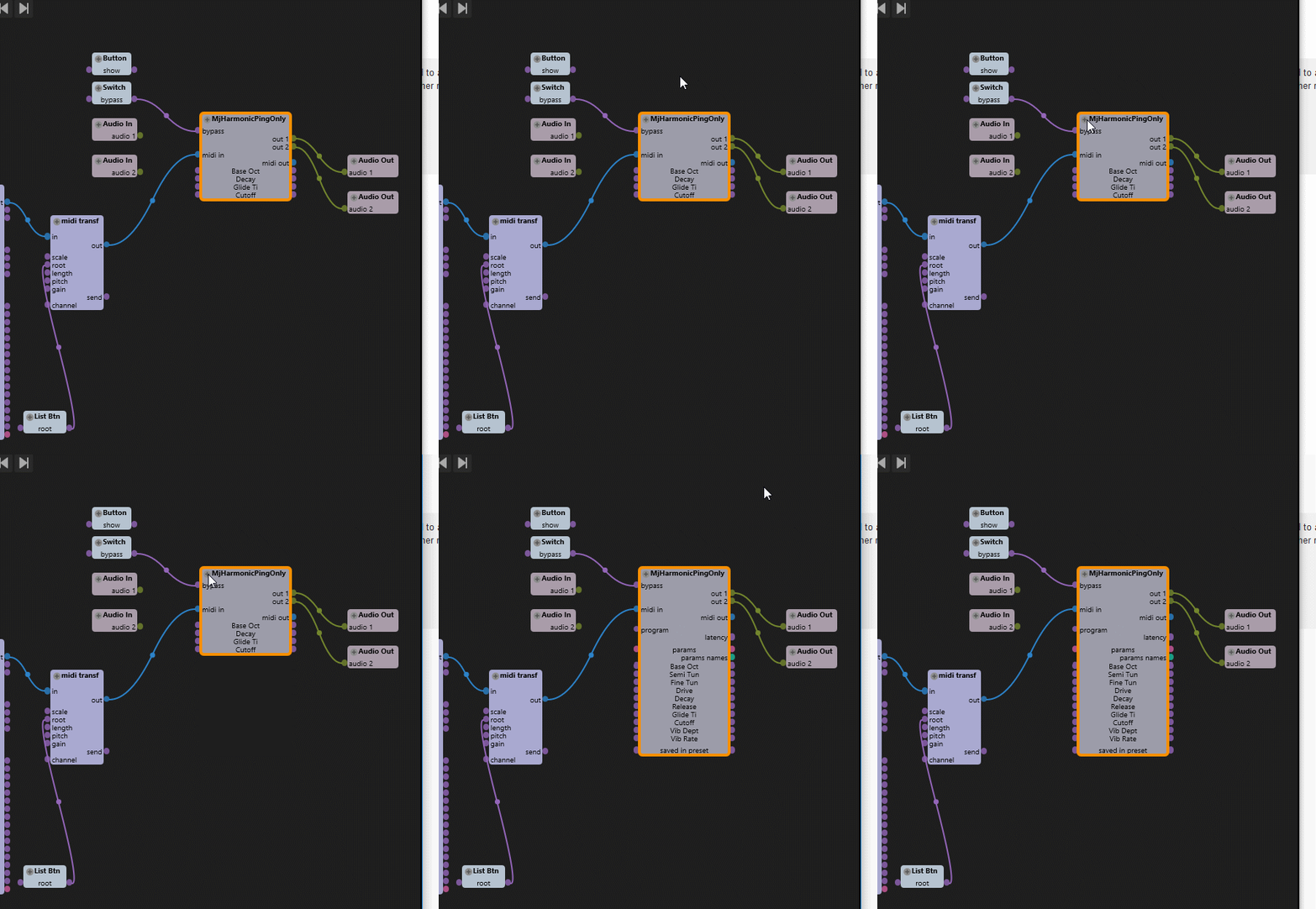
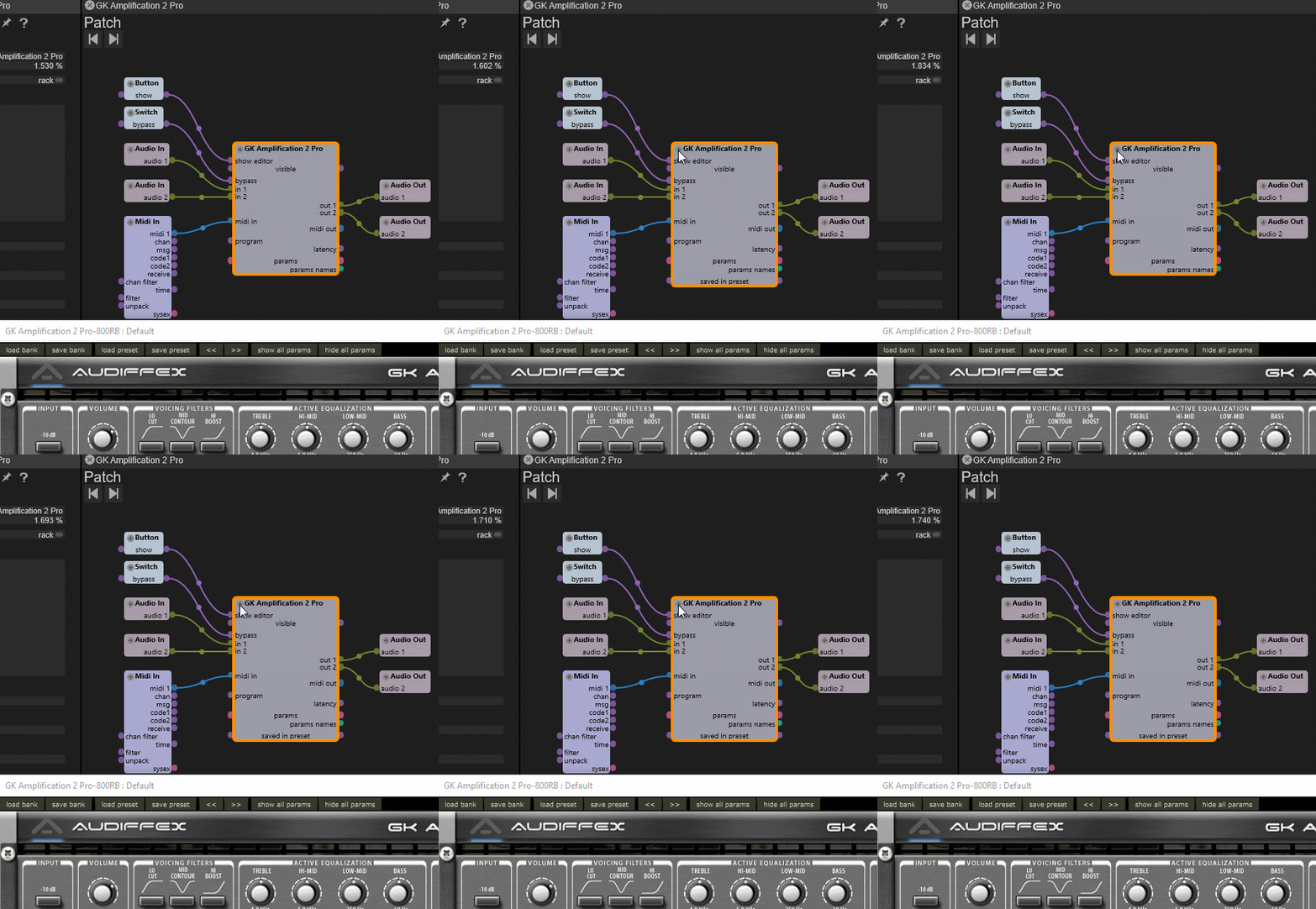
Getting inlet ports for VST automation parameters that are assigned to a UI element is easy - just e.g. turning the corresponding knob will make the port appear, so it can be connected to a modulator etc.
Some plugins have automation parameters that are not linked to UI elements though. E.g. Alchemy offers parameters like poly pitch/modulation etc. per voice - which allows to use higher resolution than e.g. automation via MIDI pitch bend events/CCs would.
Long story short - is there a way how I can show a list of all available VST parameters of a plugin and add inlets from that list without having to turn a knob (of there is none)?
Some plugins have automation parameters that are not linked to UI elements though. E.g. Alchemy offers parameters like poly pitch/modulation etc. per voice - which allows to use higher resolution than e.g. automation via MIDI pitch bend events/CCs would.
Long story short - is there a way how I can show a list of all available VST parameters of a plugin and add inlets from that list without having to turn a knob (of there is none)?